








Apple M3 vs M4: Is the Upgrade Actually Worth It?
- February 24, 2026
- admin
- 4:53 am
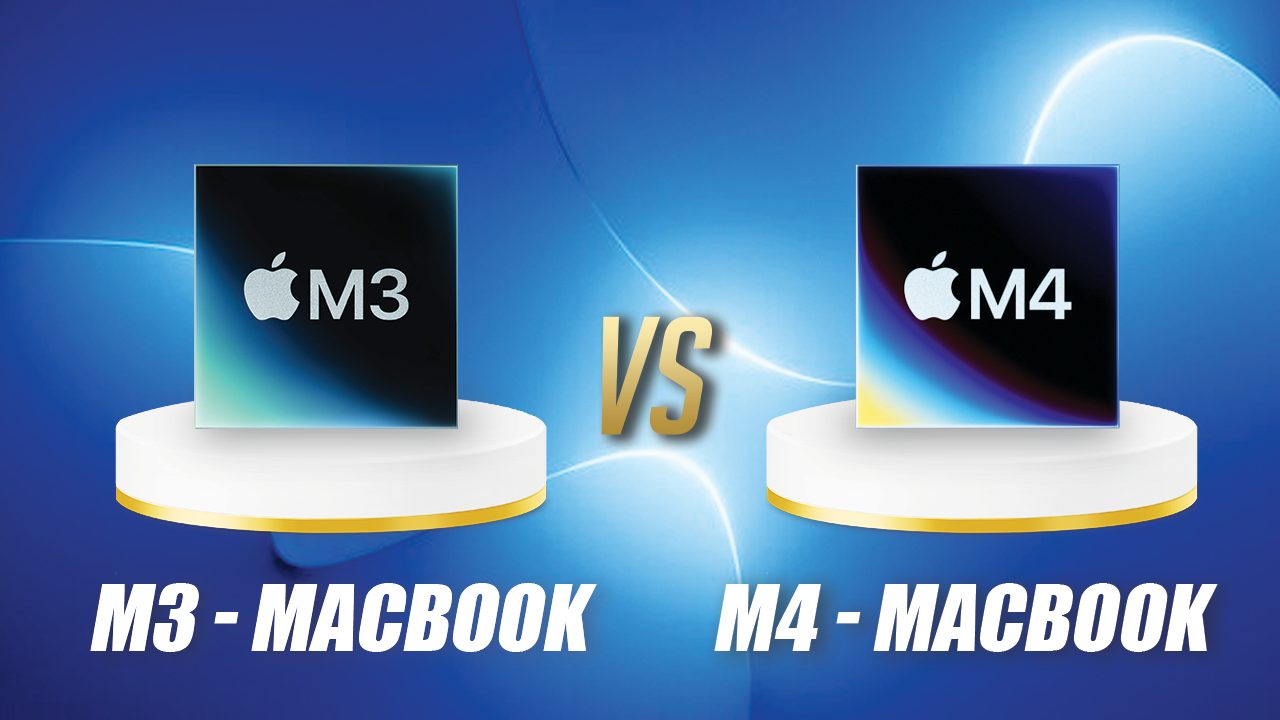
We are sure that every person wanting to buy an Apple Laptop are concerned with not just the Macbook price in Nepal but also the processor of the laptop.
Apple’s silicon technology has been evolving rapidly. As the popularity and trust of Nepalese people towards M1 and M2 increased, Apple introduced the M3 which had 3nm architecture and strong efficiency gains. Not long after, the Apple M4 entered the picture as with other processors newer and generally better than older ones in all aspects. And now M5 is also here. However the Apple Macbook M5 has not arrived in Nepal.
Getting back to the main point, on paper, the M4 looks better. However, some of our visitors say that Apple M3 and M4 are very similar and there are just minor upgrades. Let’s break it down properly.
Apple M3 vs M4: Core Specifications
| Feature | Apple M3 | Apple M4 |
| Total CPU Cores | 8 | 8 or 10 |
| Performance Cores | 4 | 4 |
| Efficiency Cores | 4 | 4 or 6 |
| GPU Cores | 8 or 10 | 8 or 10 |
| Neural Engine | 16-core | 16-core |
| Transistors | 25 billion | 28 billion |
| Memory Capacity | 8GB+ | 16GB+ |
| Memory Bandwidth | 100 GB/s | 120 GB/s |
| Lithography | First-gen 3nm | Second-gen 3nm |
The M4 uses a second-generation 3nm process, packs more transistors, supports higher memory bandwidth, and offers slightly expanded configurations.
But specs don’t always tell the full story.
Performance: Benchmarks vs Reality
In synthetic benchmarks:
- M3 is about 17% faster than M2 in single-core tasks.
- M4 is about 25% faster than M3 in single-core.
- Multi-core improvements show similar patterns (around 20–30% jumps).
- GPU improvements from M3 to M4 sit around 20%.
That sounds significant.
But here’s the real-world example:
If an M3 opens an app in 3.2 seconds, the M4 might open it in 2.6 seconds.
Your brain doesn’t measure milliseconds like a robot. Both feel like “3 seconds.”
Then you use the app for four hours at nearly identical speed.
Is saving 0.6 seconds worth extra money?
For most people — no.
What the M4 Actually Adds
The M4 isn’t just about raw speed. It introduces small but meaningful upgrades:
- Higher memory bandwidth (120GB/s vs 100GB/s)
- More RAM configurations starting at 16GB
- Better multi-display support
- Thunderbolt 5 support (on higher-end chips)
- Some internal security enhancements
- Longer software support window (because it’s newer)
These are refinements, not revolutions.
RAM Matters More Than the Chip
If you’re deciding between:
- M3 with 24GB RAM
- M4 with 16GB RAM
Choose the M3 with more RAM.
More RAM means:
- More apps stay in memory
- Less swapping to disk
- Smoother multitasking
- Better battery efficiency
- Faster real-world responsiveness
macOS aggressively uses free RAM for caching. The more you have, the “instant” your system feels.
In many workflows, extra RAM improves experience more than a 20% CPU bump.
Check out our analysis on Macbook Pro vs Macbook air
Who Should Consider M4?
The M4 makes the most sense if:
- You’re coming from Intel Macs
- You’re upgrading from M1
- You want maximum longevity
- You need better multi-monitor support
- You want the latest architecture
It’s also ideal for someone replacing a desktop like a Mac mini and planning to keep it for many years.
Who Should Stick With M3?
The M3 is still extremely powerful.
If you:
- Bought an M3 recently
- Primarily browse, code, edit lightly, or do productivity work
- Don’t expect heavy-load work such as video editing
- Want better value per dollar
There is almost no practical reason to upgrade.
If someone swapped your M3 for an M4 after a week of usage, most people wouldn’t notice.
The Bigger Picture
The main upgrades in newer MacBook Air models are their chips. The jump from M2 to M3 was noticeable. The jump from M3 to M4 is more incremental — focused on performance tuning rather than introducing new capabilities.
Both M3 and M4 MacBook Air models are primarily aimed at:
- Users upgrading from Intel Macs
- Users upgrading from M1
- First-time MacBook buyers
If you already own an M3, the M4 is not a transformational leap.
Final Verdict
The M4 is objectively faster — about 20–25% in synthetic benchmarks.
But in real-world daily usage, both chips feel nearly identical for most people.
If you’re choosing today:
- Prioritize RAM over chip generation.
- Prioritize storage over minor benchmark gains.
- Prioritize your actual workload over spec sheet numbers.
The M4 is refinement.
The M3 is already more than enough.
And for most users, they are essentially the same computer with slightly different internals.
Post Views: 217